
Brand guidelines
A practical guide to All the Ducks colours, typography, logos and illustrations. Use these guidelines to keep our brand consistent across web and print.
Primary colours
-

Primary orange
HEX #FFAF11 · RGB R255 G175 B17
CMYK C2 M31 Y94 K0
-

Primary black
HEX #000000 · RGB R0 G0 B0
CMYK C0 M0 Y0 K100
Secondary colours
-

Reddish orange
HEX #ED6D23
RGB R237 G109 B35
-

Soft orange
HEX #F48040
RGB R244 G128 B64
-

Forest green
HEX #2E5F51
RGB R46 G95 B81
-

Medium green
HEX #2B8064
RGB R43 G128 B100
-

Warm cream
HEX #F8F0E9
RGB R248 G240 B233
-

Sky blue
HEX #2AA3CF
RGB R42 G163 B207
Tertiary colours
-

Mint green
HEX #69B89E
RGB R105 G184 B158
-

Pale blue
HEX #D6F0F9
RGB R214 G240 B249
-

Light blue
HEX #82CEF0
RGB R130 G206 B240
-

Deep blue
HEX #287FB3
RGB R40 G127 B179
Typography
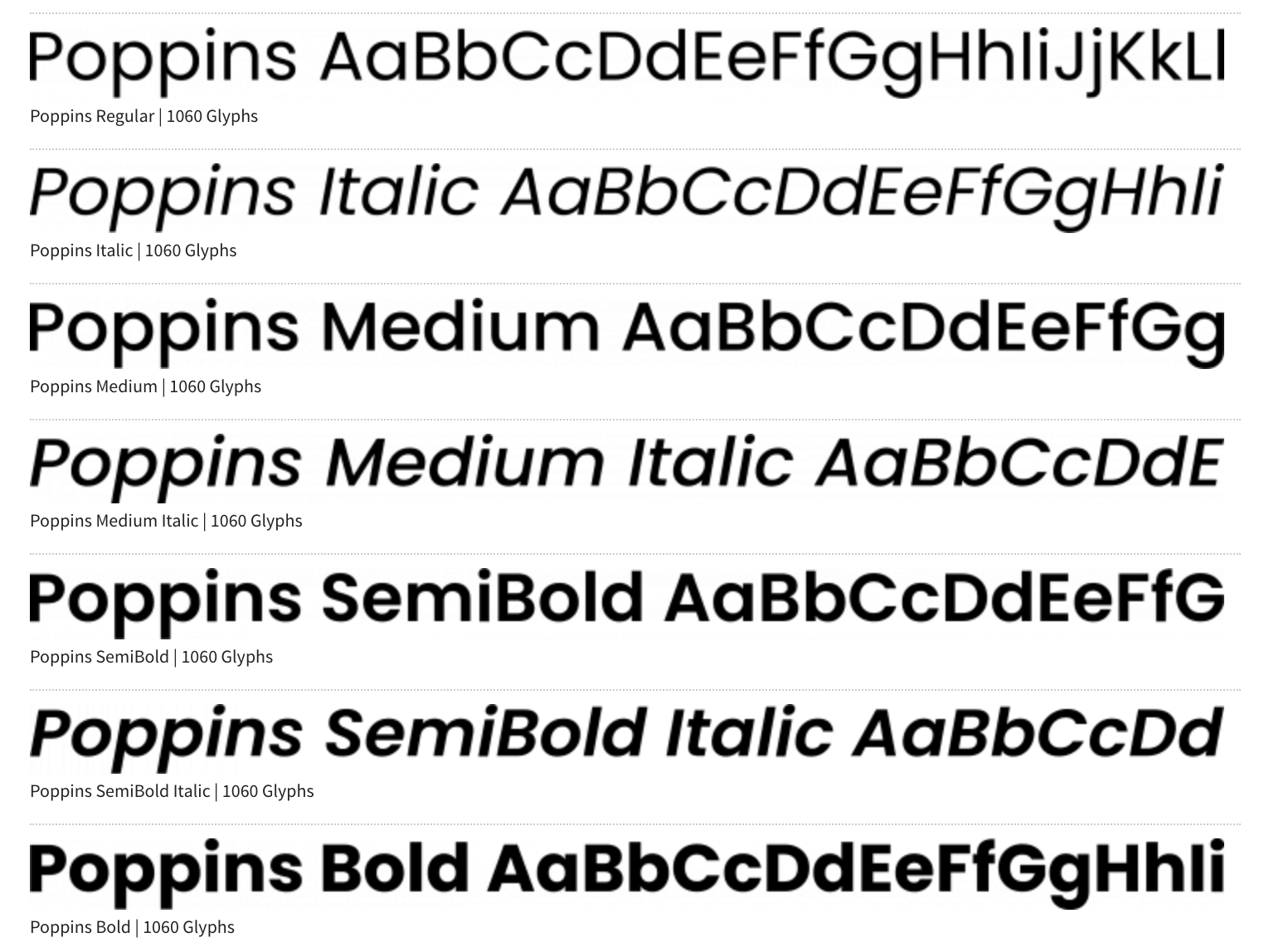
Poppins
Use Poppins for all headings, body text, captions and buttons.
Headings: bold weights for clear hierarchy.
Body text: regular weights for comfortable reading.
Captions and buttons: use consistent Poppins styling.
Logo
The All the Ducks logo is available in portrait, landscape and icon layouts.
The full-colour logo is preferred. Portrait and landscape logos can be used with or without the tagline. Full-colour, black-and-white and inverted versions are available.
Use the icon as a complementary graphic. Choose the version that reproduces clearly in the intended medium and at the intended size. Preserve the artwork’s proportions and use a background that keeps the logo clear.
-
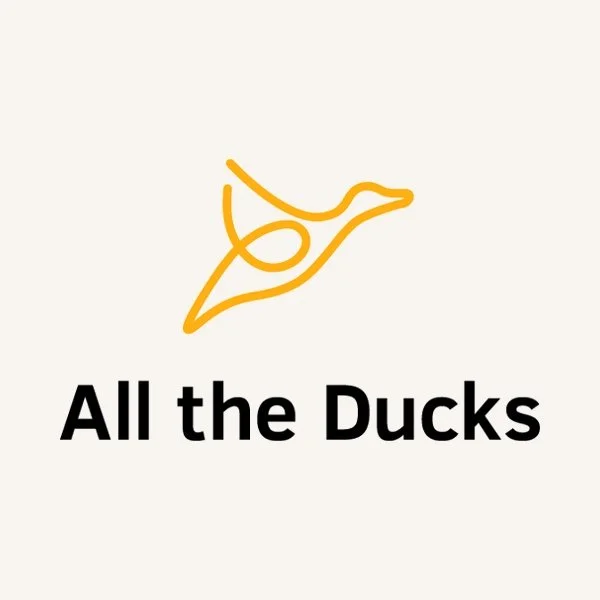
Logo portrait layout
For square or upright spaces.
With or without the tagline.
-
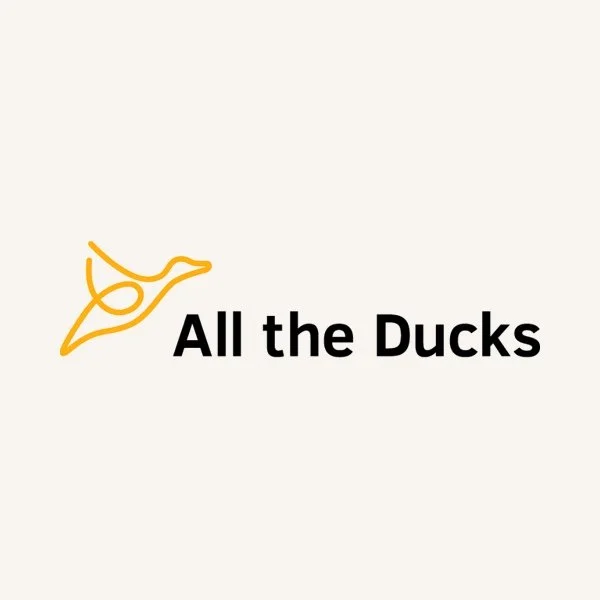
Logo landscape layout
For wide spaces and headers.
With or without the tagline.
-
Icon
Complementary duck graphic.
For compact applications.
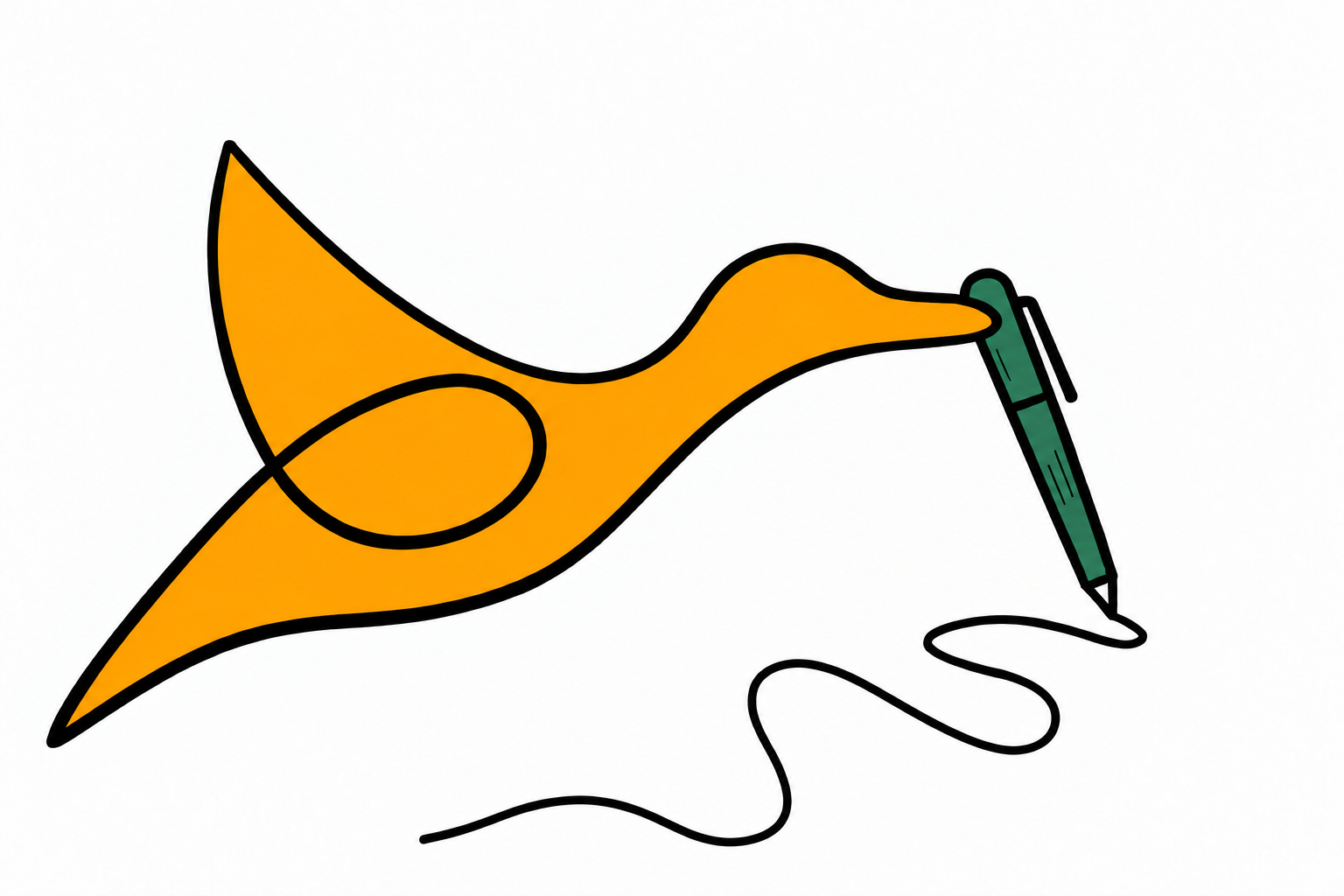
Illustrations
The illustration set includes FutureFocused, Contact, EdTech, SoftwareIntegration, SoftwareImplementation, CompleteSolutions, AboutUs, Transformation, WhyATD and Clouds.
Keep the original illustration groups and line work. Use the primary orange for the duck yellow-orange; preserve the darker reddish-orange accents and remaining secondary colours.
Choosing a file
SVG — scalable artwork for digital use.
PNG — transparent RGB image at 300 dpi at the supplied physical size.
RGB PDF — vector artwork for digital workflows.
CMYK PDF — vector artwork for print.
The CMYK-folder PNGs are RGB previews. The CMYK-folder SVGs use RGB display colours and carry CMYK intent metadata. Use the CMYK PDFs when actual CMYK output is required.
Files are organised as ColourMode / IconName / IconName_ATD.extension. Each icon folder contains an SVG, PNG and PDF.
-
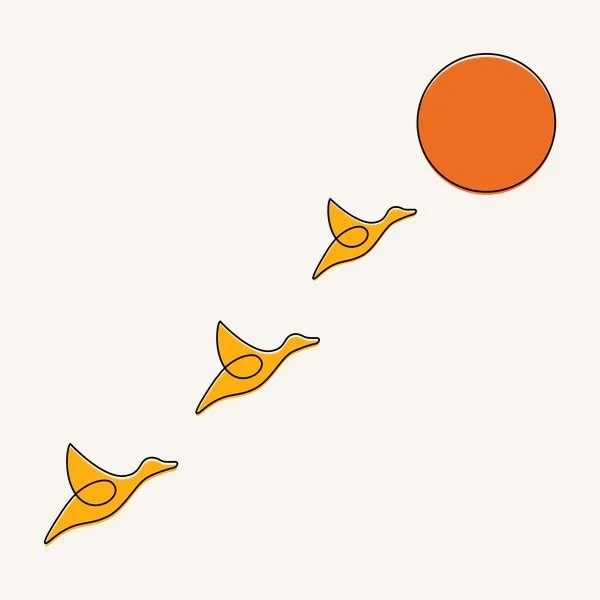
FutureFocused
Future-focused education.
-

Contact
Contact and communication.
-

EdTech
EdTech consultancy.
-

SoftwareIntegration
Software integration.
-

SoftwareImplementation
Software implementation.
-
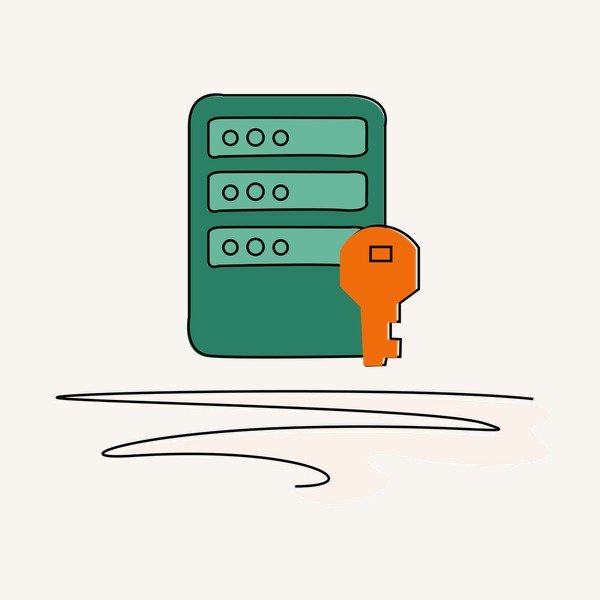
CompleteSolutions
Complete solutions.
-

AboutUs
Introducing All the Ducks.
-

Transformation
Digital transformation.
-
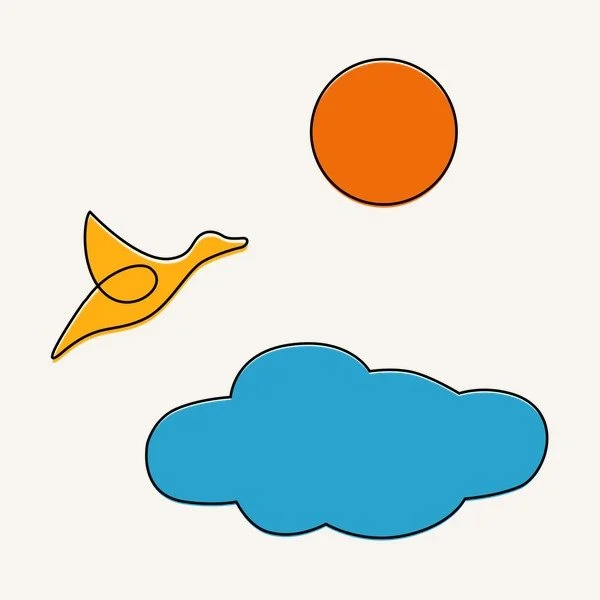
WhyATD
Why All the Ducks.
-
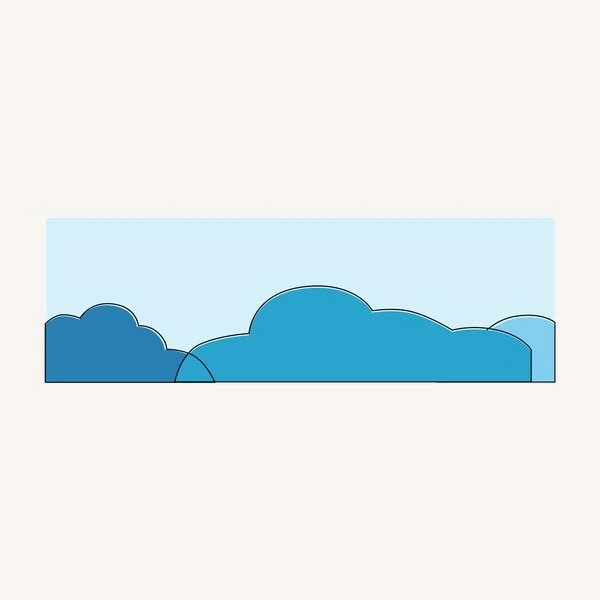
Clouds
Complementary backgrounds.
Templates
Use approved All the Ducks business-card and letterhead templates. Add download links here when the approved assets are available.